Visualization of densities, orbital potentials, etc.
The AMSview module has many features. The basic use of AMSview is explained in the first tutorial.
In this tutorial, some additional features of AMSview are demonstrated using anthracene as a toy molecule:
Step 1: Get Single-Point calculation results with ADF on Anthracene
 and select the ‘Anthracene (ADF)’ molecule)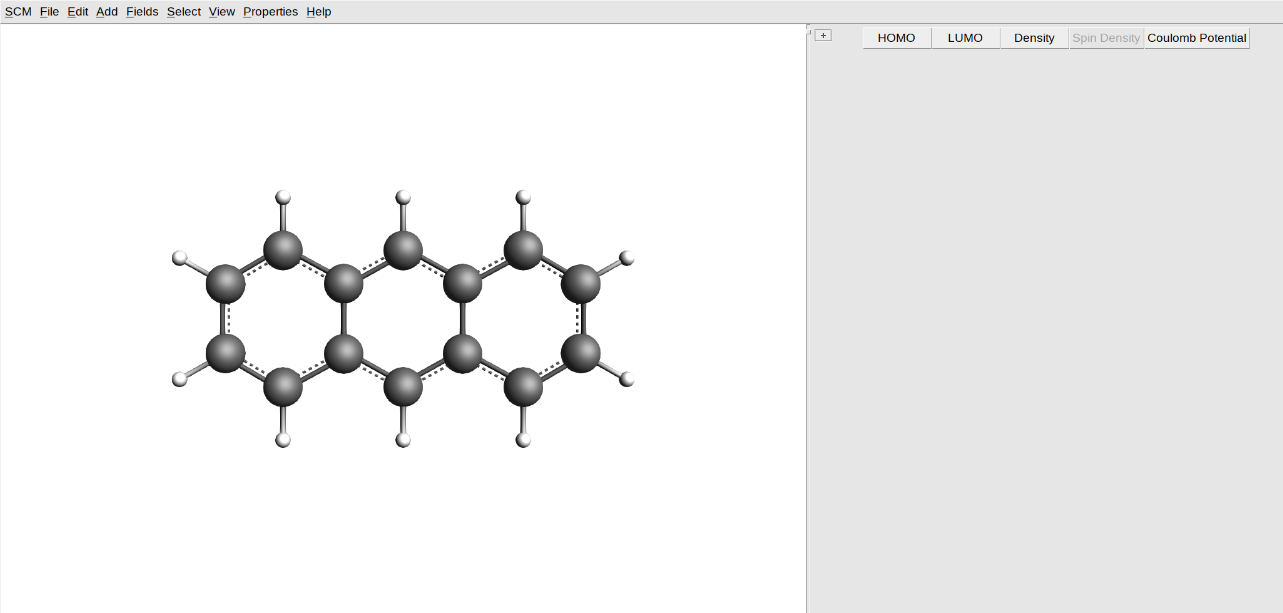
Step 2: Details: Diverging and Rainbow Colormap, scalar range of field on isosurface
Now let’s generate an isosurface of the density colored by the electrostatic potential:
Log box at the right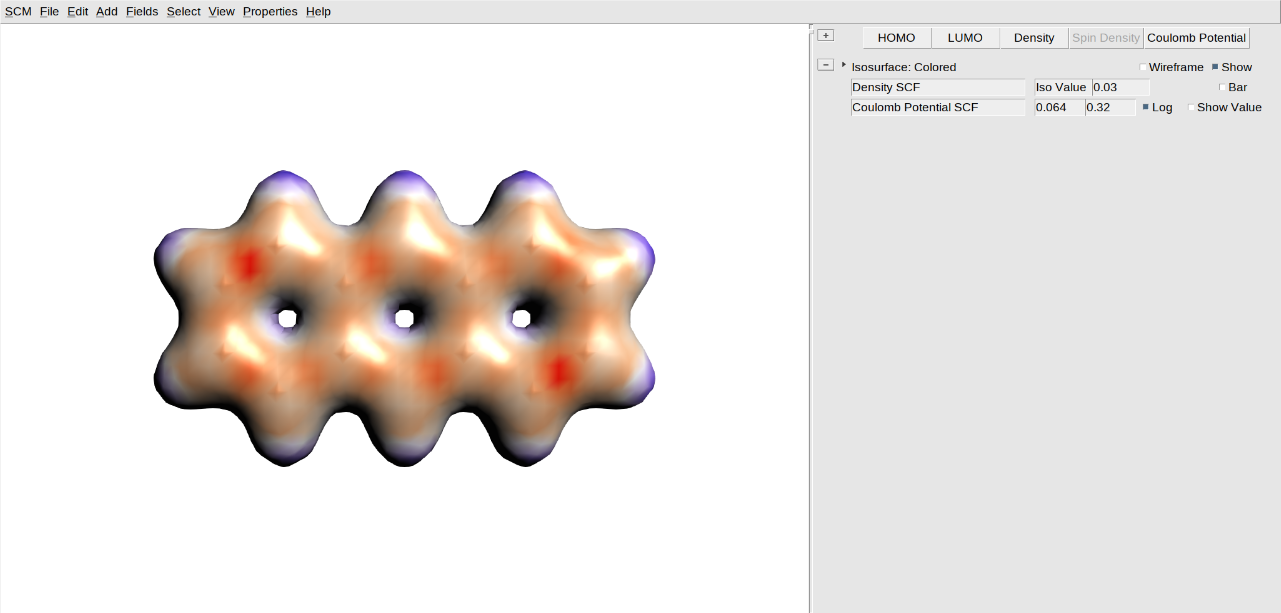
The image is not as smooth as it could be, because of the coarse grid used to calculate the density and potential. Improve it by using a better grid:
When you change the iso value, the default range for the coloring scheme is adjusted automatically (provided you have not changed it yourself). This range corresponds to the minimum and maximum value of the coloring field (in this case the SCF Potential) across the isosurface (in this case the SCF Density), at the isovalue you specify.
There is also an option to change the method used to interpret the given isovalue. The default “Normal” method uses the isovalue without modification. The “Contained” and “Squared” methods find the isosurface that contains the given percentage of the integrated field and integrated squared field, respectively. The “Volume” method finds the isosurface that matches the given percentage of the total grid volume.
Many more details can be set. First, begin by showing the color legend:
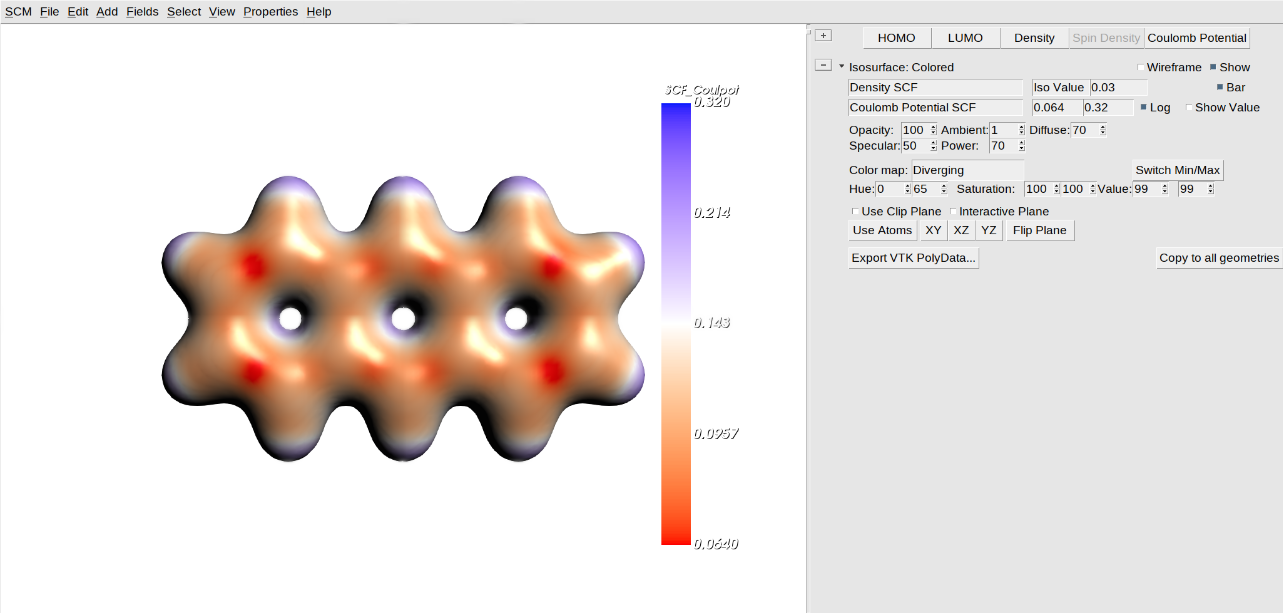
The color bar shows the mapping from colors to scalar values of the potential.
Clicking the color bar opens the detail controls.
Another way to open the details pane is to click the arrow on the left of the controls, in front of the visualization type (currently “Isosurface: Colored”).
The first part of the detailed controls allows you to adjust the appearance of the surface using settings like opacity, diffuse, specular, and power. Roughly speaking, these control how shiny or dull the surface looks and are referred to as the material properties controls.
The second part controls the color mapping. The Hue, Saturation, and Value fields allow you to specify two colors. The colormap option allows you to change how the transition from one color to the other works. The default colormap is Diverging: it goes from one pure color to white to the other pure color. Another colormap is Rainbow: it goes from one color to the other via other pure colors.
The third part allows you to control a clipping plane, cutting through the isosurface so you can look inside.
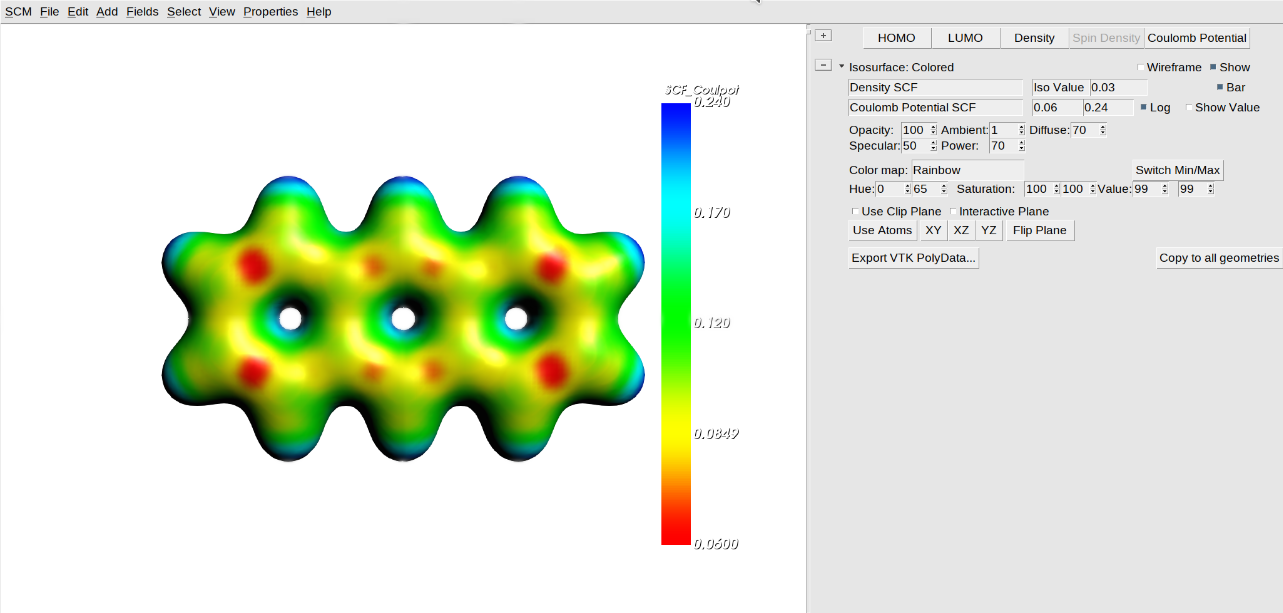
In general, the Diverging colormap makes it easier to see small variations in a property, although the Rainbow colormap is much more colorful. If you have a symmetric scalar range, the Diverging colormap puts the zero value at white. For the electrostatic potential this is not useful, but for a difference density it makes sense:
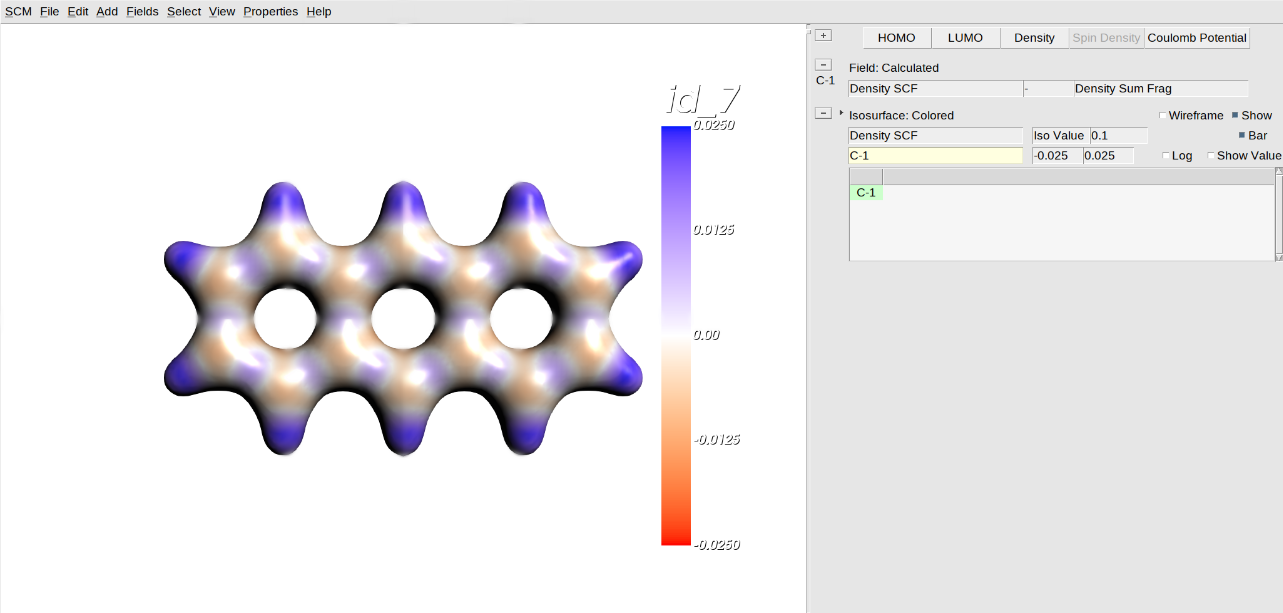
Step 3: Multiple Isosurfaces
An even better way to see what happens to the density when forming a molecule from atomic fragments is the multiple-iso option. The idea is that a whole set of isosurfaces is generated for a range of iso values. The surfaces are colored by their isovalue.
Select Field menu select the density difference: Other → 1 → C-1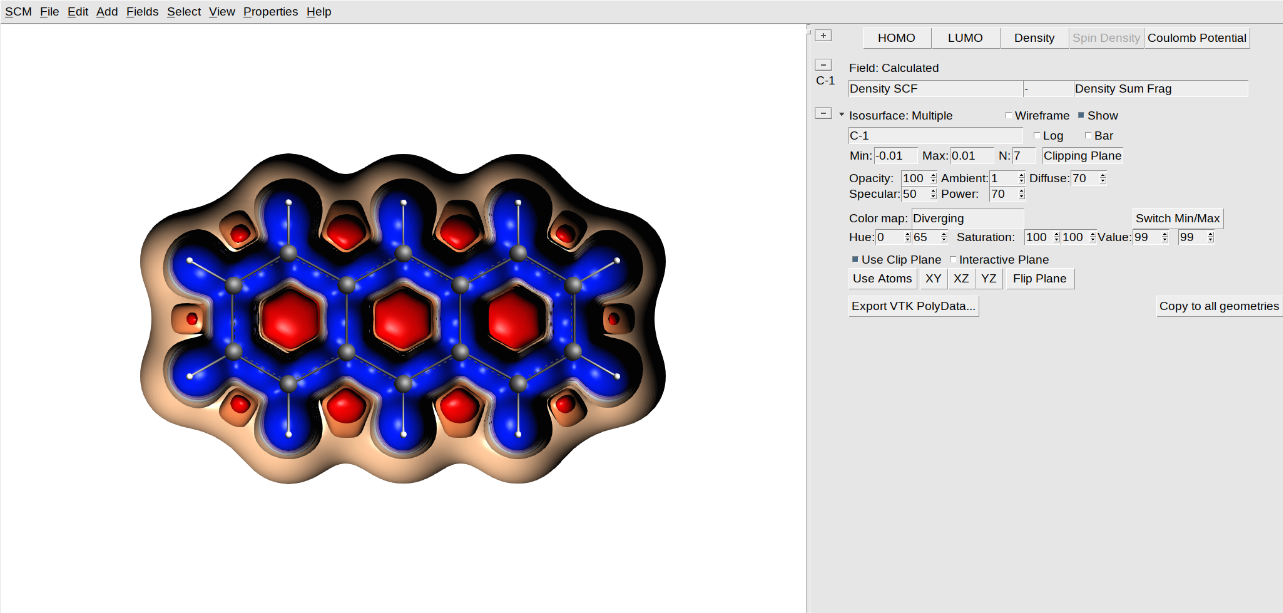
Now you can very clearly see that the electron density in the bonds is increased (blue), and where that electron density comes from (everywhere else, including close to the atoms).
The clip plane allows you to cut away part of an isosurface, so you can look inside. The buttons on the last detail line allow you to position the clip plane as needed.
Instead of using a clipping plane, you can make the isosurfaces transparent:
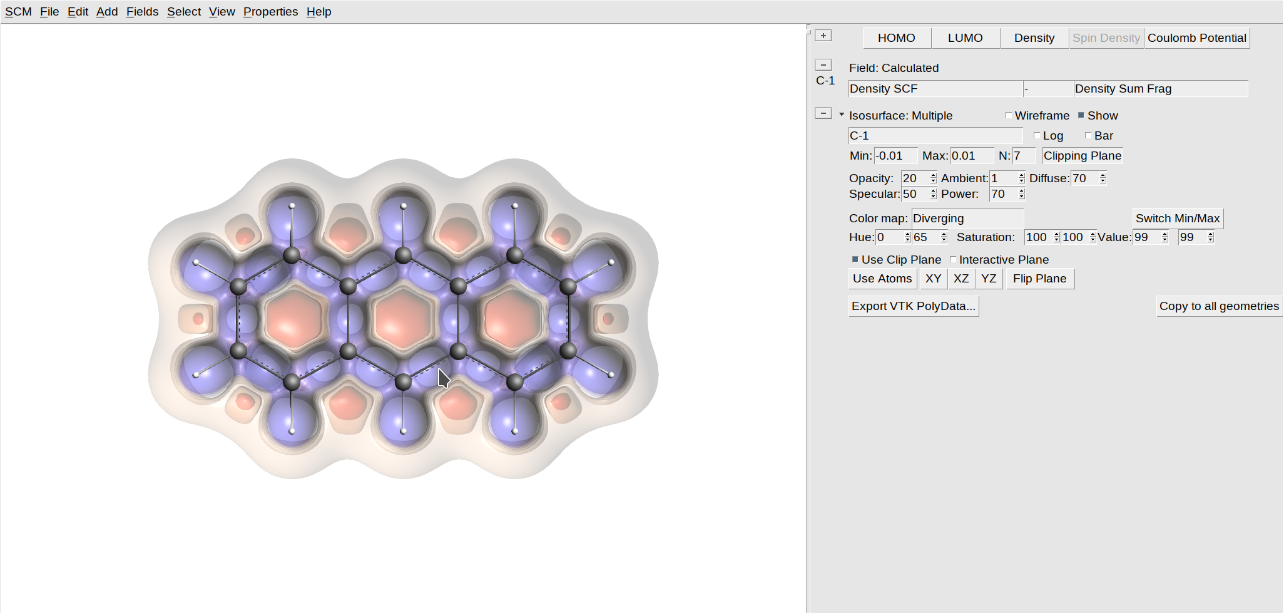
Step 4: Combining visualization techniques
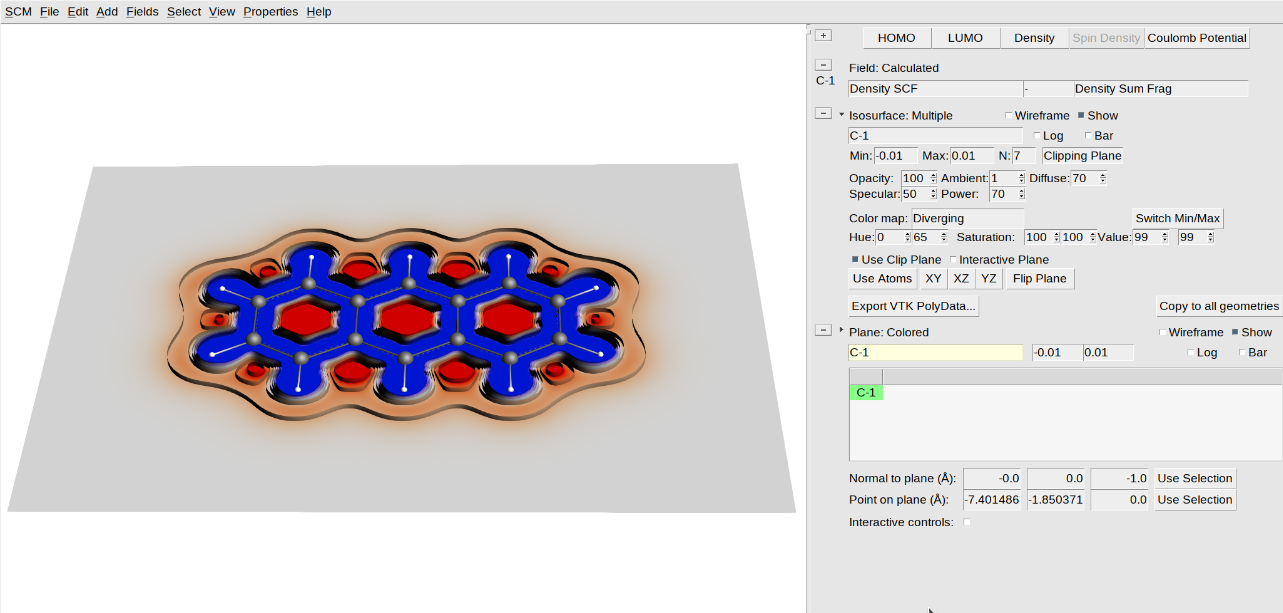
You can also combine several visualization methods in one image.
Now you get a picture using the multiple-iso and colored-plane options at the same time.
Step 5: Play with lights
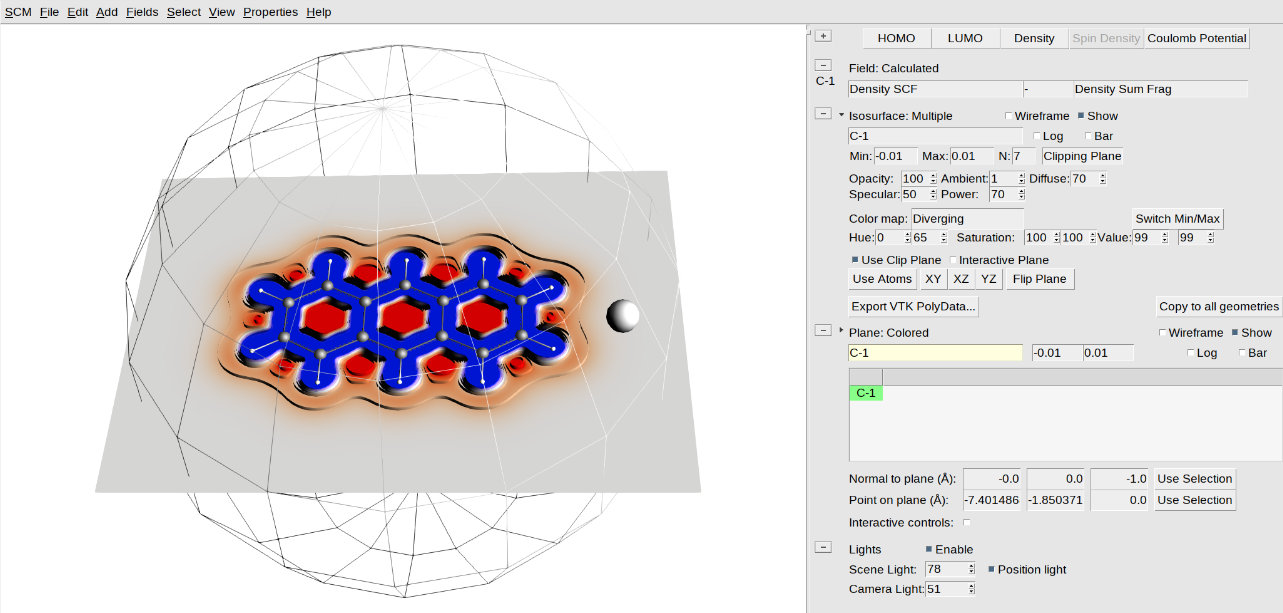
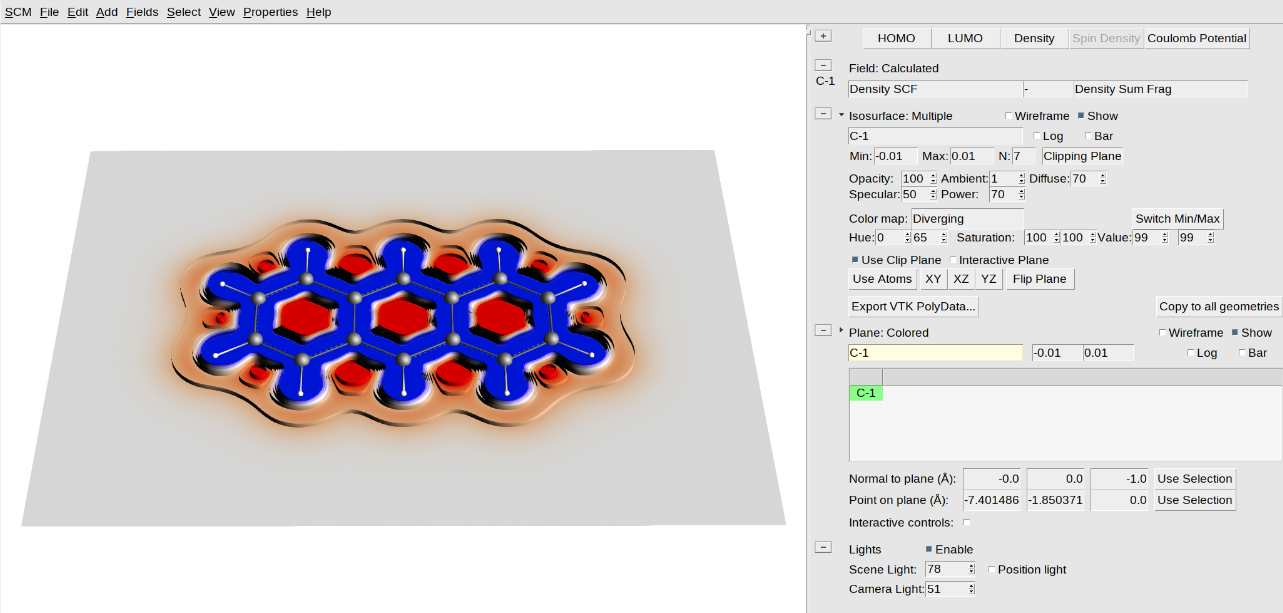
AMSview also has options to control lighting. This allows you to tune an image by adding a directed light source that casts shadows. You can also control the amount of ambient and directed light. It is hard in general to say what the best setting is, so try and play around:
One possible image you can make this way looks like this:
Step 6: Special fields
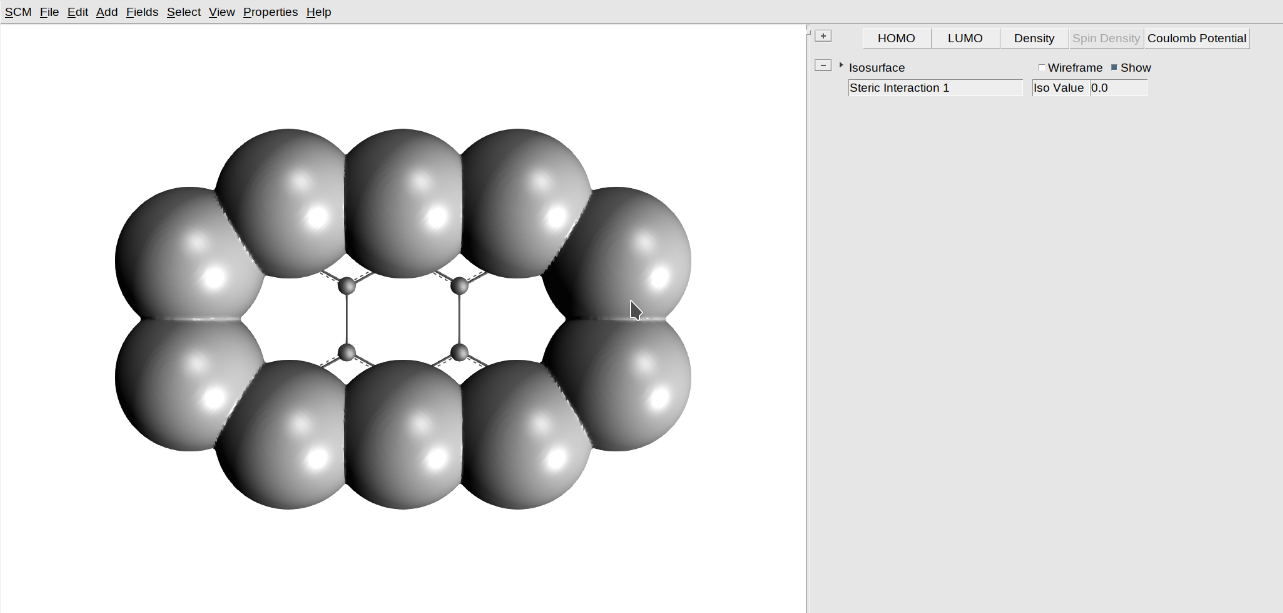
AMSview has access to a few fields that need extra clarification. One of these is the Steric Interaction, which uses the Van der Waals radius to visualize steric bulk. The field is the minimum distance to the Van der Waals surface of the selected atoms.
It is possible to make different selections and generate their own Steric Interaction field.