Basic Usage
The BBinput gui can be invoked from the SCM menu, available in all GUI modules, for instance AMSjobs.
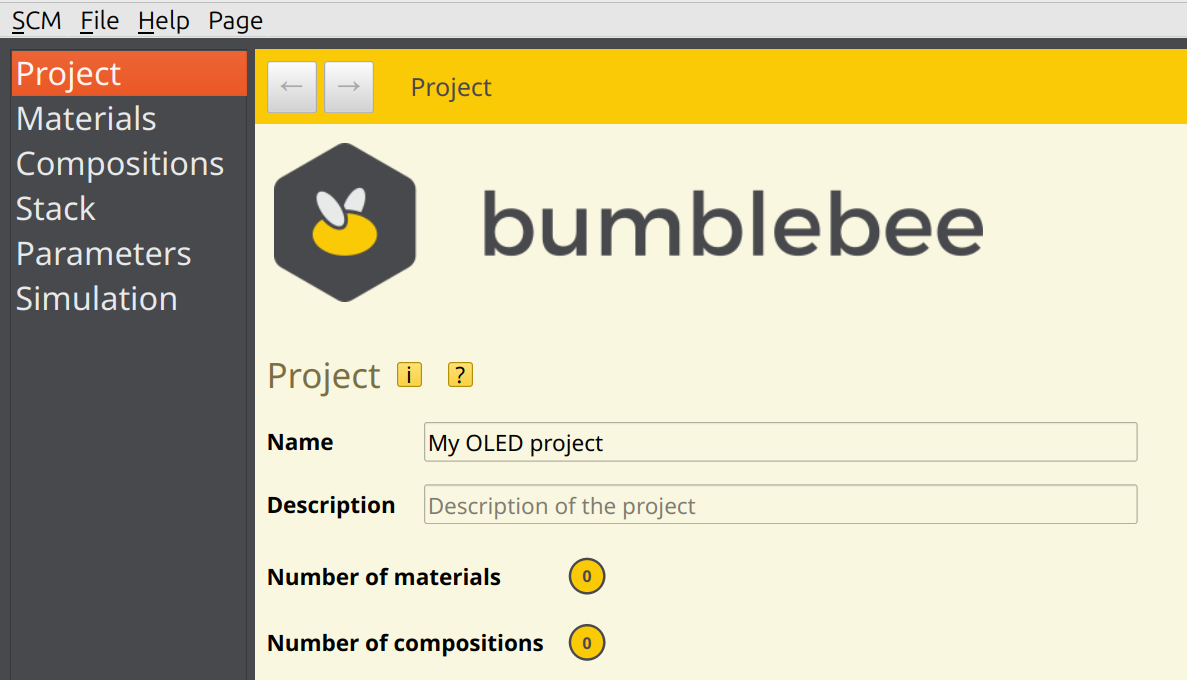
The initial screen looks like this
Help
BBinput comes with extensive help functionality. There are two kinds of help. Hovering the mouse over a little “i” shows help on the physics. There can also be little squares with a “?”, providing help on how to use a GUI element
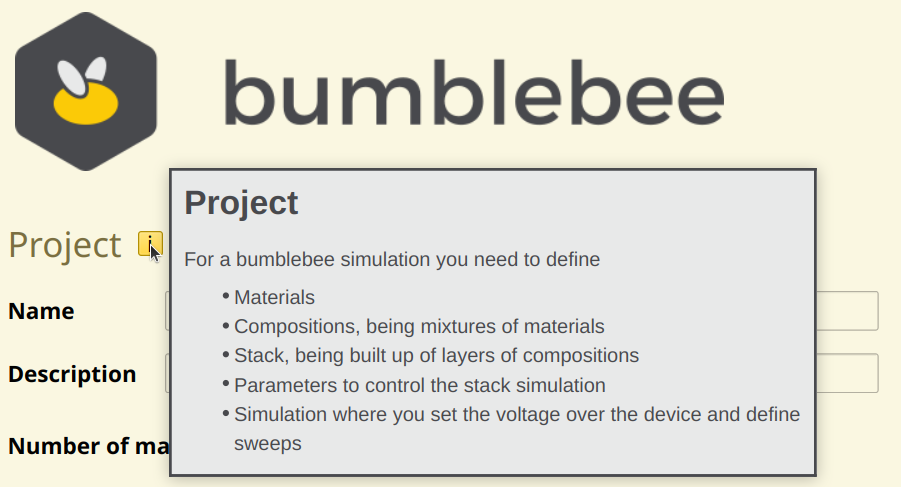
Fig. 13 Hovering the mouse over the little “i” gives help on physics
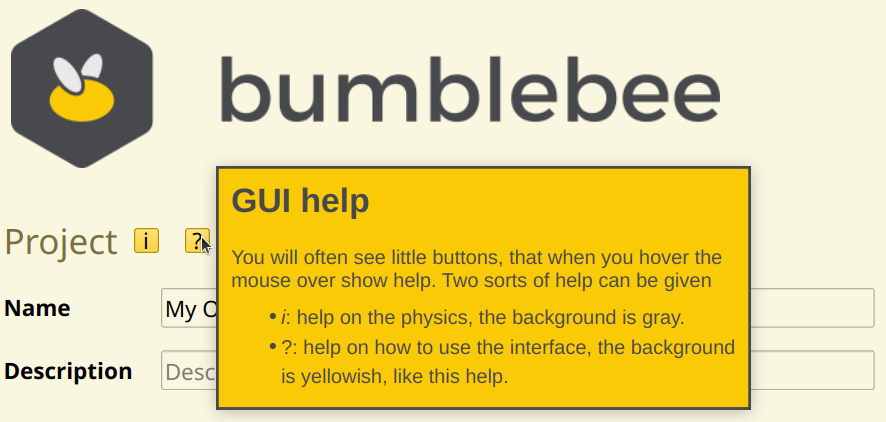
Fig. 14 Hovering the mouse over the little “?” gives help on the GUI itself
Main flow
The main workflow is that you
Ceate/import materials
From those materials compositions can be made
A stack is constructed from the compositions
Parameters are defined to model physical processes
And finally in Simulation the number of trajectories and or voltage sweeps can be defined.
This main workflow is expressed on the left-hand side. Clicking on a list item directs you to the main pages.

Fig. 15 The main list provides links to the main pages
Page navigation
At the top of the page there are a forward and backward button.

Fig. 16 With the navigation buttons you can go to the previous or next page